Truffle in your AI assistant
Connect it once. When you research something with your assistant, it can save it to Truffle, which finds the shops selling it and watches the price. It can tell you what’s on your lists too.
Which noise-cancelling headphones are worth it for flights and the office?
Two are worth a look. The Sony WH-1000XM5: their noise cancelling is still among the best, and since the XM6 came out they often cost much less. Or the AirPods Max if you’re on an iPhone: the richer sound of the two, but heavier and dearer.
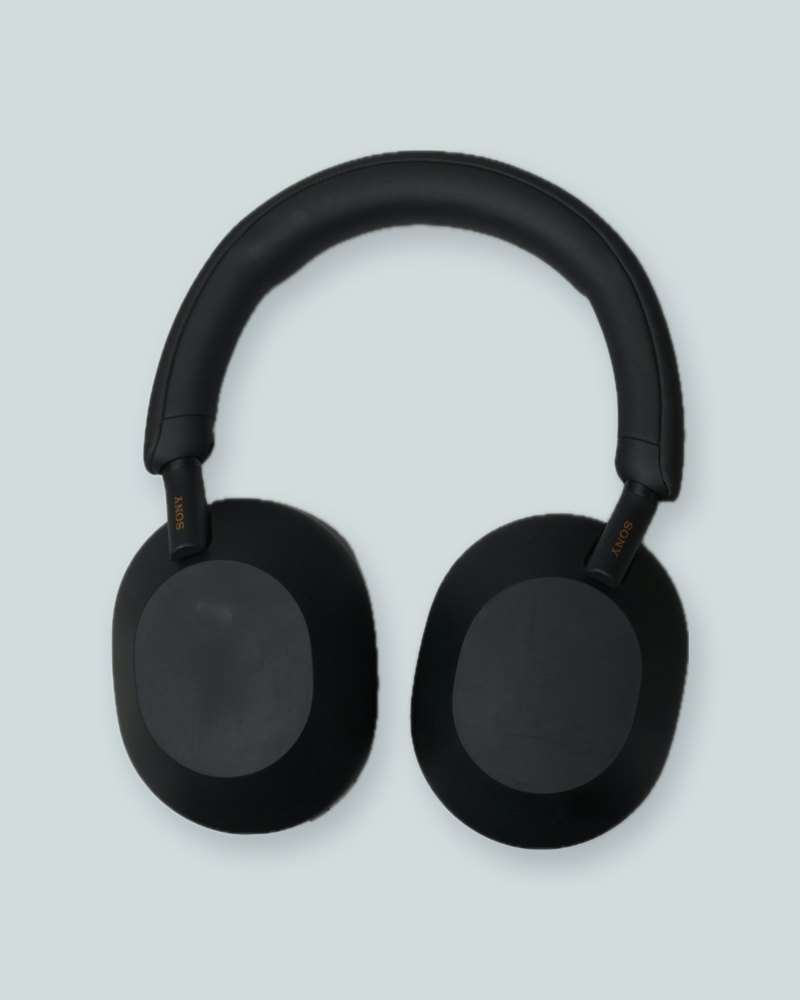 Sony WH-1000XM5
 AirPods Max
Put both in Truffle and watch the prices for me.
Sony WH-1000XM5Found in 7 shops€279AirPods MaxFound in 9 shops€479Saved both to your Someday list. Truffle will tell you when either price genuinely drops.
Connect it
Claude
One click opens Claude with Truffle ready to add. Then you sign in to Truffle and allow it.
Add to ClaudeChatGPT
In ChatGPT’s settings, add a new app with Truffle’s address. Then you sign in to Truffle and allow it.
Truffle’s addresshttps://truffle.page/mcpOther apps
Cursor, VS Code, Claude Code and other apps that connect to MCP servers take the same address.
Truffle’s addresshttps://truffle.page/mcpIn Claude Codeclaude mcp add --transport http truffle https://truffle.page/mcp
Things to ask
What it can do
- See your lists, what’s on them and each shop’s price
- Add things, make lists and set the price you’re waiting for
- Open wishlists people share with you and reserve a gift
- It never buys anything for you
You can disconnect it anytime in your settings.